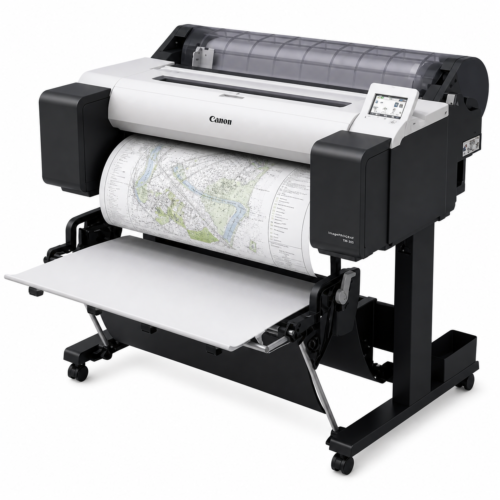
It’s a familiar problem: you need to get a print job finished but there’s no Wi-Fi router nearby, or you’re on a site visit and don’t have access to the office network. If you’re on a Canon imagePROGRAF, that doesn’t have to stop you — the printer can create its own direct Wi-Fi connection that your laptop, phone or tablet can join without a router in sight.
What Wireless Direct actually does
Canon imagePROGRAF printers have a built-in feature called Wireless Direct. Instead of connecting to your office or home network, your device connects straight to the printer itself, which broadcasts its own Wi-Fi signal. It’s the same idea as connecting to a portable hotspot — useful anywhere you can’t rely on an existing network, or if your usual Wi-Fi happens to be down.
How to switch it on
On the printer’s home screen, open the LAN settings icon, tap Wireless Direct, then Settings, and enable it. On your phone, tablet or laptop, open its Wi-Fi list and look for a network starting with “DIRECT” followed by a string of letters and numbers and your printer’s model — select that, and you’re connected directly to the printer.
Printing once you’re connected
From a phone or tablet, the Canon PRINT app (free on the App Store and Google Play) covers the basics well — PDFs, JPGs and PNGs print quickly with just a few taps. If you need finer control over scaling, layout or media settings, a PC or Mac connected the same way gives you the full imagePROGRAF printer driver that comes with every machine, rather than the simplified mobile app controls.
From Design Supply
If you’re not sure whether your printer supports Wireless Direct, or want a hand setting it up on-site, get in touch — we’re always happy to talk it through.
We’re now in our 36th year supplying large format printer solutions and have sold over 7,000 printers to architects, photographers and signage businesses across the UK — you can read more about us here.